Semiconductor HMI
An operator interface for a wafer grinding machine, where one wrong screen state can destroy a wafer.
I joined three years into development, with no brief and no UX docs. As the sole designer among about 30 people across three vendors, I turned years of hardware logic into an interface operators can trust and frontend teams can build.
Closed: development paused after the client changed its business strategyNDA project. Every interface shown here is an illustration, not the product's real UI. No real machine data or client IP is shown.
- How did I help
- Design & system work
- Semiconductor · NDA
- Role
- Sole designer, in the front-end team
- Team
- ~30 people, 3 vendors
- Joined
- Year 3 of the project
- Validation
- Passed hardware validation
- An operator interface for a wafer grinding machine, where one wrong screen state can destroy a wafer.
- I joined three years in as the sole designer among about 30 people across three vendors, with no brief and no UX docs.
- Every state was signed off by hardware engineers before frontend, and the work passed hardware validation. The screens shown are illustrations, under NDA.
The tour: Nothing reached frontend without an engineer signing off → Three calls for the cleanroom → Start from the state diagram
Three years of hardware logic,
and no brief.
The machine already worked. My job was to make the screen match it exactly.
- 01No brief, no UX docsEverything had to be reverse-engineered from Confluence pages, sensor layouts and backend status codes.
- 02Zero tolerance for errorA wrong state on screen can waste a wafer and time on very expensive equipment.
- 03Multi-vendorHardware from a Japanese manufacturer; software split across three Vietnamese vendors under strict NDA.
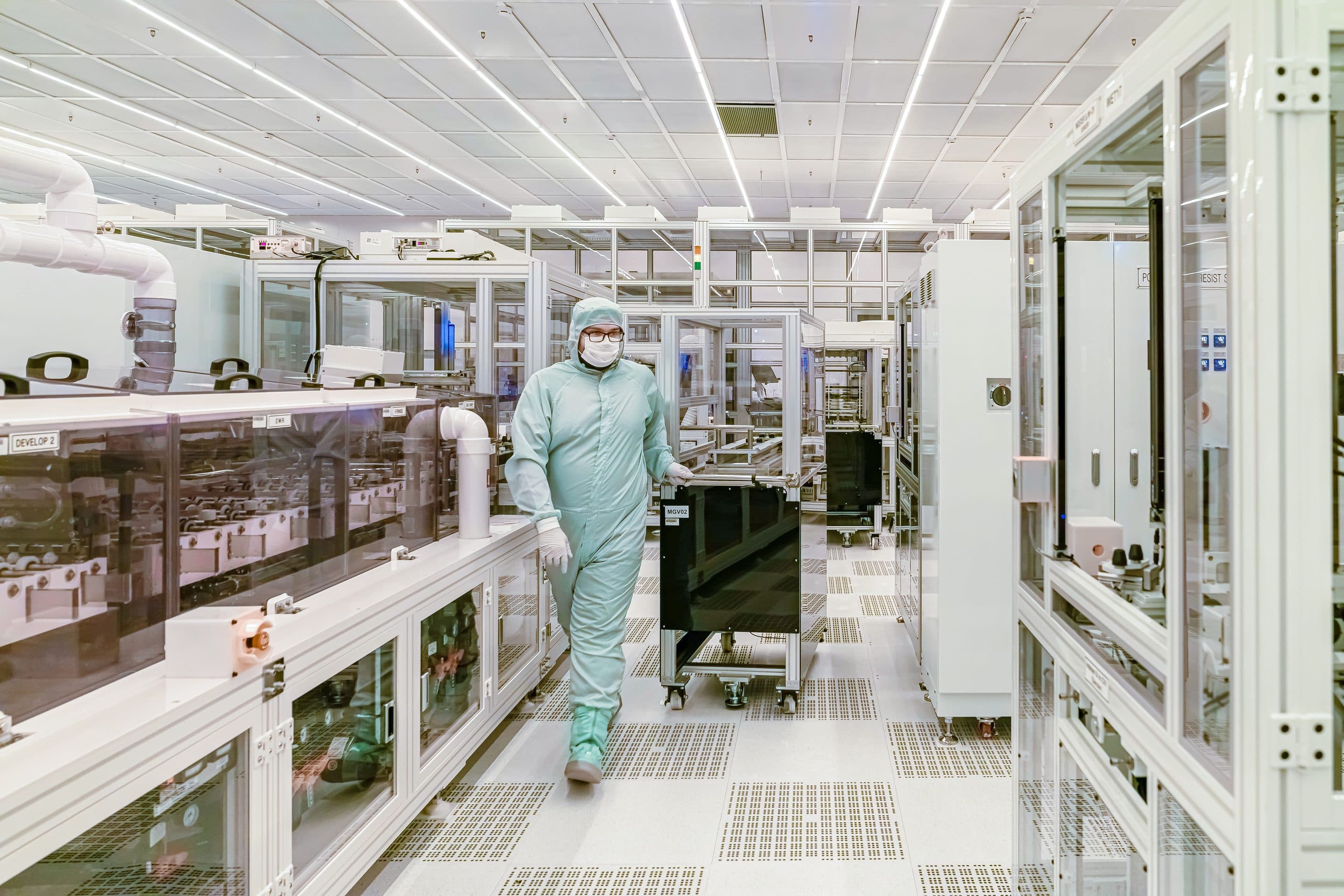
- 04No access to the machineIt sits in a cleanroom. I designed every machine state without touching it.
- Confluence pages
- Sensor layouts
- Backend status codes
- 01Found every machine state the screen must show
- 02Designed how each state looks and behaves
- 03Checked each one with hardware engineers
- An interface operators can trustGlove-sized controls and readable alarms
- Specs frontend teams can buildComponent states and data expectations
Nothing reached frontend without an engineer signing off.
Under the NDA, hardware engineers were the experts every screen state was checked against.
- 01Read the specWork through the specs to find every machine state the screen must show.
- 02Propose the UI stateDesign how that state looks and behaves on the operator screen.
- 03Engineer reviewReview it with hardware engineers. Nothing moves on without their sign-off.
- 04Hand off to frontendPass the approved state to frontend with clear component states and data expectations.
Repeats for every state.
Three calls for the cleanroom.
Glove-optimized UI
Operators wear cleanroom gloves, so standard tap targets are too small.
Start from the state diagram, not the documentation.
I spent my first months reading specs front to back. Most of what I read early on never reached the screen. I should have mapped the machine states first and used that map to decide which specs mattered.
- STEP 1 / 5Loading
- STEP 2 / 5Aligning
- STEP 3 / 5Grinding
- STEP 4 / 5Rinsing
- STEP 5 / 5Unloading
- Precision over creativityIn industrial HMI, familiarity and accuracy matter more than novel UI.
- NDA is a design constraintWithout the real screens, the work has to come through in illustrations, reasoning and process.
- Design as translationThe job was turning hardware constraints into operational safety.
Bring the specs. I’ll find the interface in them.
For hardware, data-heavy or multi-vendor products where the UI has to match the system exactly.
Similar work: UX audit, quoted after a short call